Product Features
Interactive Music Scores
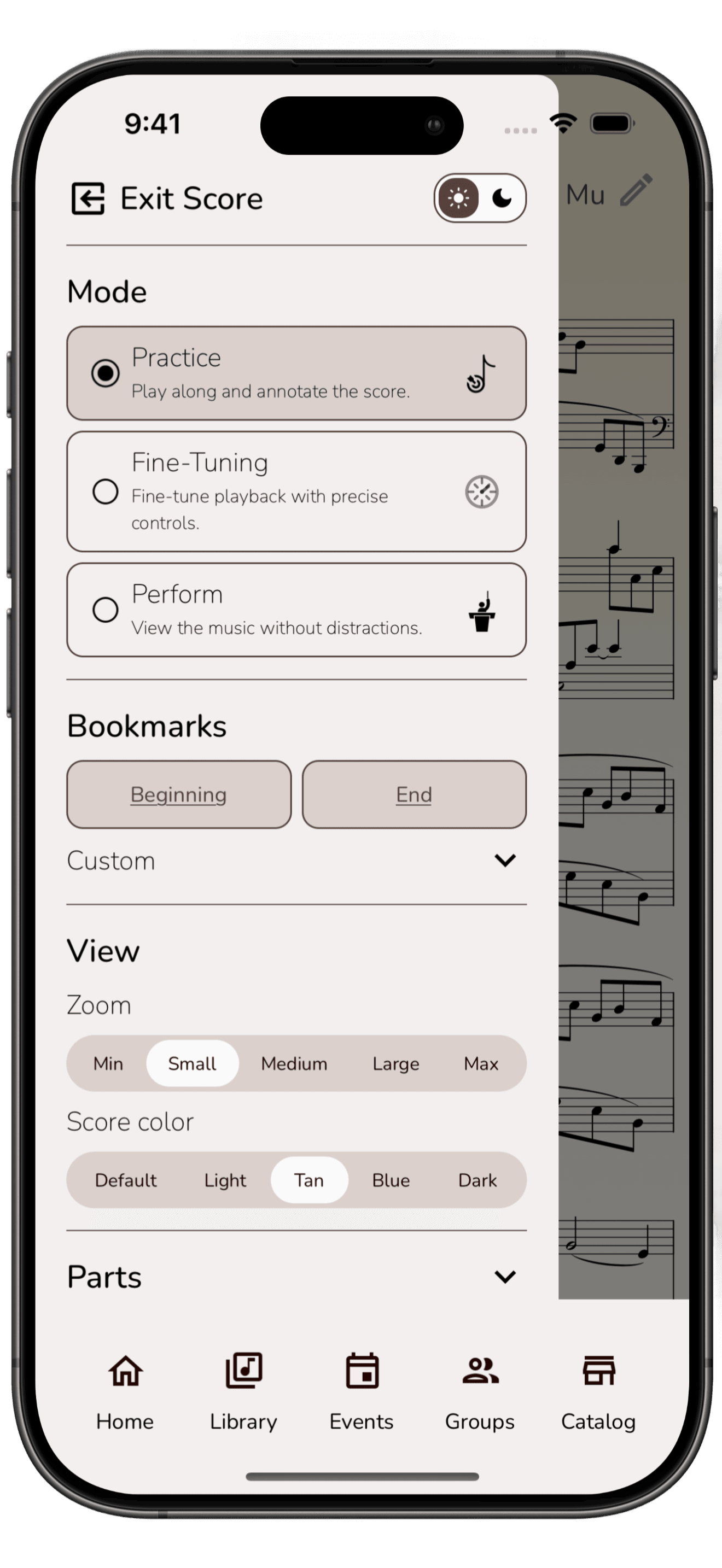
Zoom in or out and the score reflows so layout stays readable for your device and viewing preference.
Switch between your part, other parts, or the full score whenever you need.
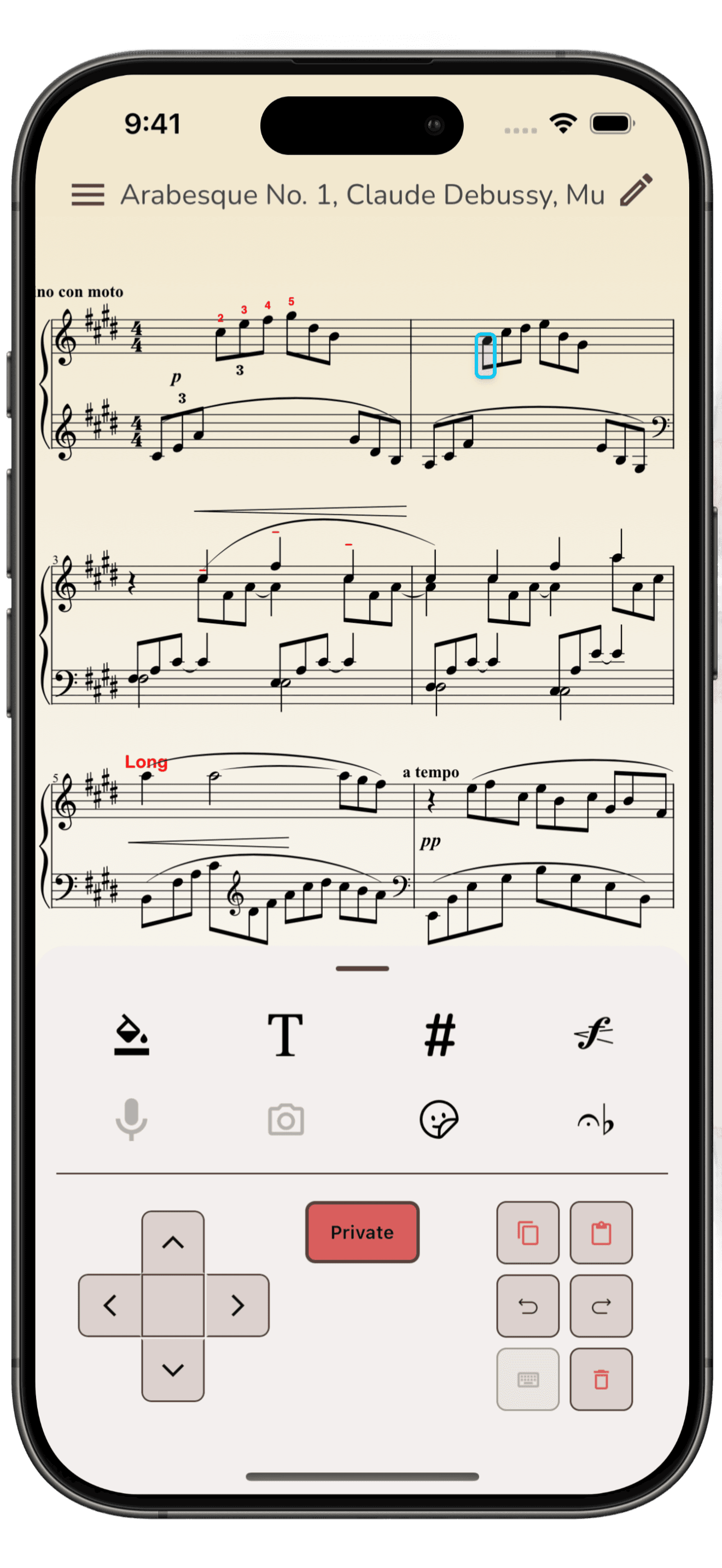
Add various types of annotation on your score including Text, Fingerings, Stickers, Dynamics, Fills (highlight, circle, cross out, etc.), Articulations and Accidentals.
Toggle public/private annotation layers.
Work Together With Other Musicians
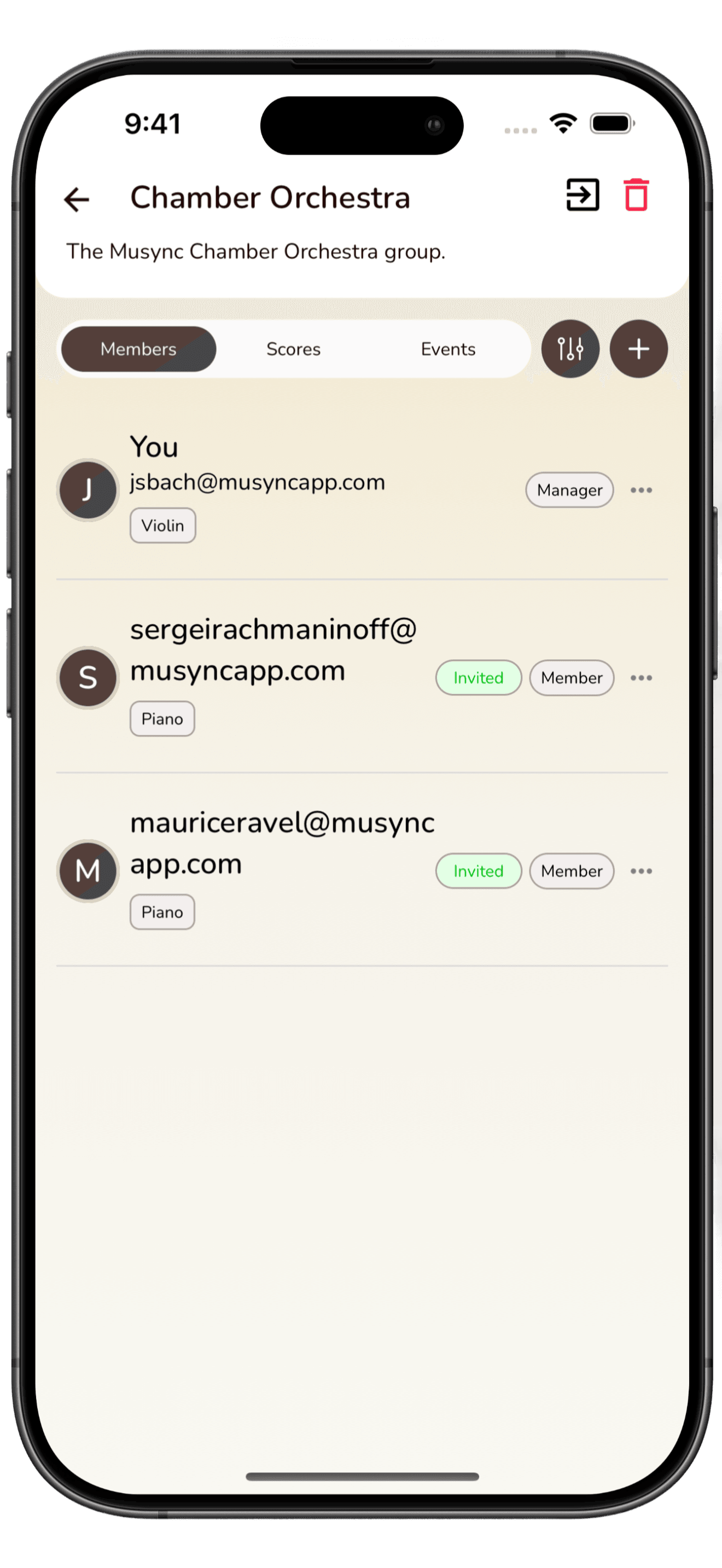
Create and Manage groups to allow distinct collaboration workspaces.
Share scores and assign parts to your group members.
Share annotations, with public and private annotation layers for each group score.
Create shared events with set lists for Practice and Performance.
Music That Stays With You
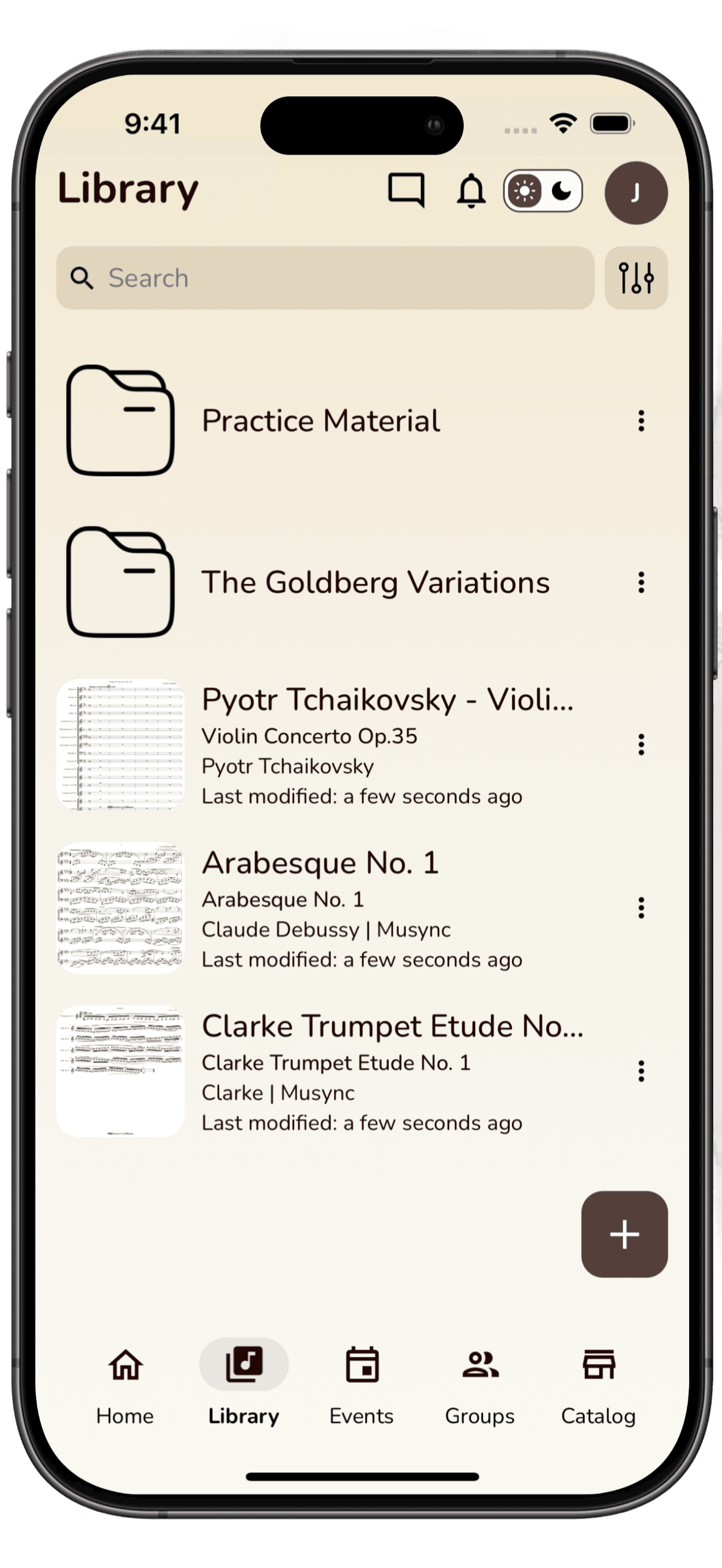
Import Music Scores from personal MusicXML or Musync Catalog.
Organize your scores library into folders and tag for easy search.
Easily manage your scores shared within groups.
Fully functional on both iOS and Android devices.
All features designed to be usable on both a mobile phone and a tablet.
Support for a single account to be used across multiple devices and data synchronized across devices.
Practice and Perform
Tune your instrument with a single click.
Optimized Score viewer for quick loads and easy scrolling (no more page turns).
Bookmark specific measures for quick navigation.
View some or all parts of the score.
Enable metronome, including subdivisions.
Enable playback to play along.
Setup looping for Practice.
Autoscroll for practice and performance. Adjust scrolling to your playing speed with fine-tuning at the measure and note level to get to perfect sync for performance.
Musync Intelligence
Transpose your score to be played with a different instrument or at a different key.
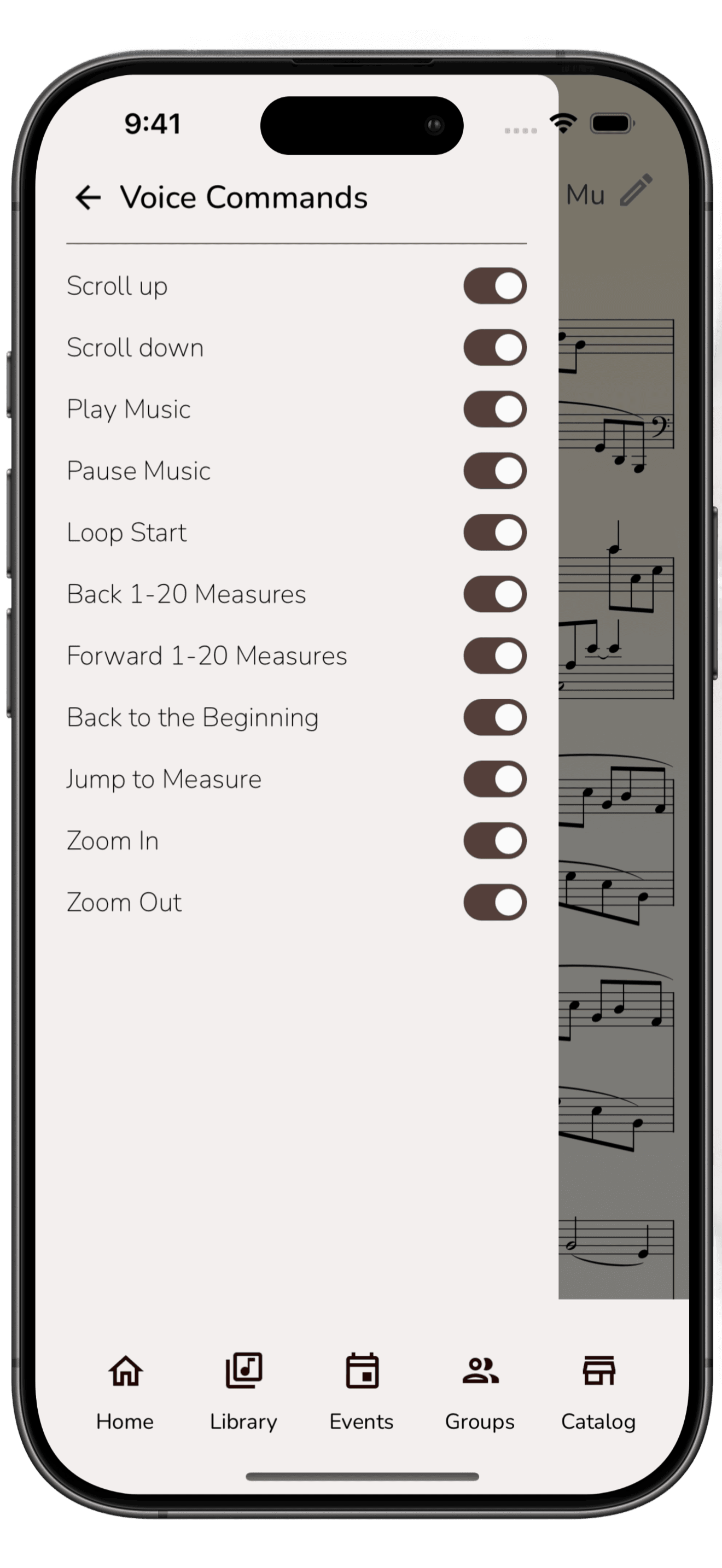
Interact with the app through voice commands so you do not have to constantly touch the screen while practicing.
Commands include zooming in and out, scrolling, move to a different measure, start/stop playing, enable/disable metronome.
Dashboard
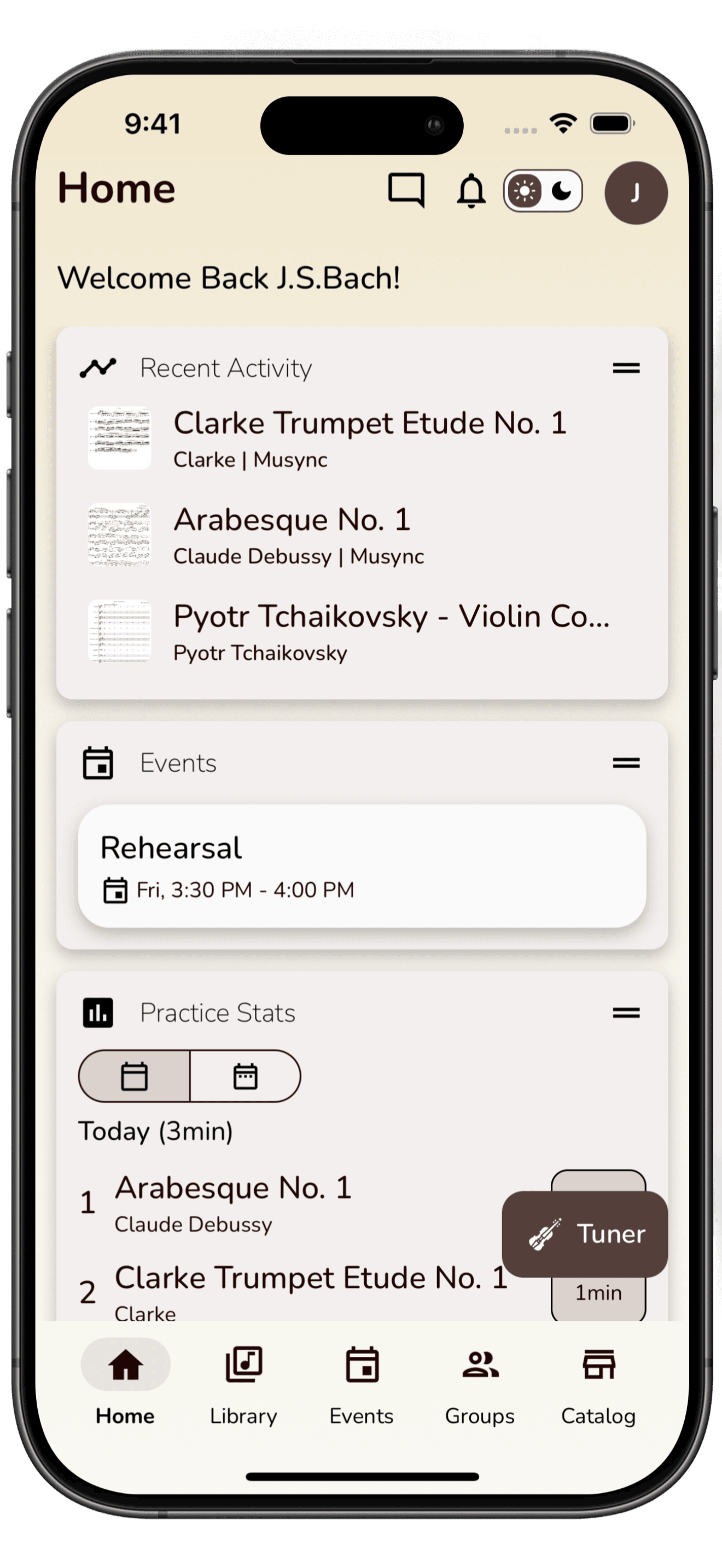
Track your statistics on how much time you spend on each score.
Open recently accessed scores.
Look at your events calendar.
Offline Access
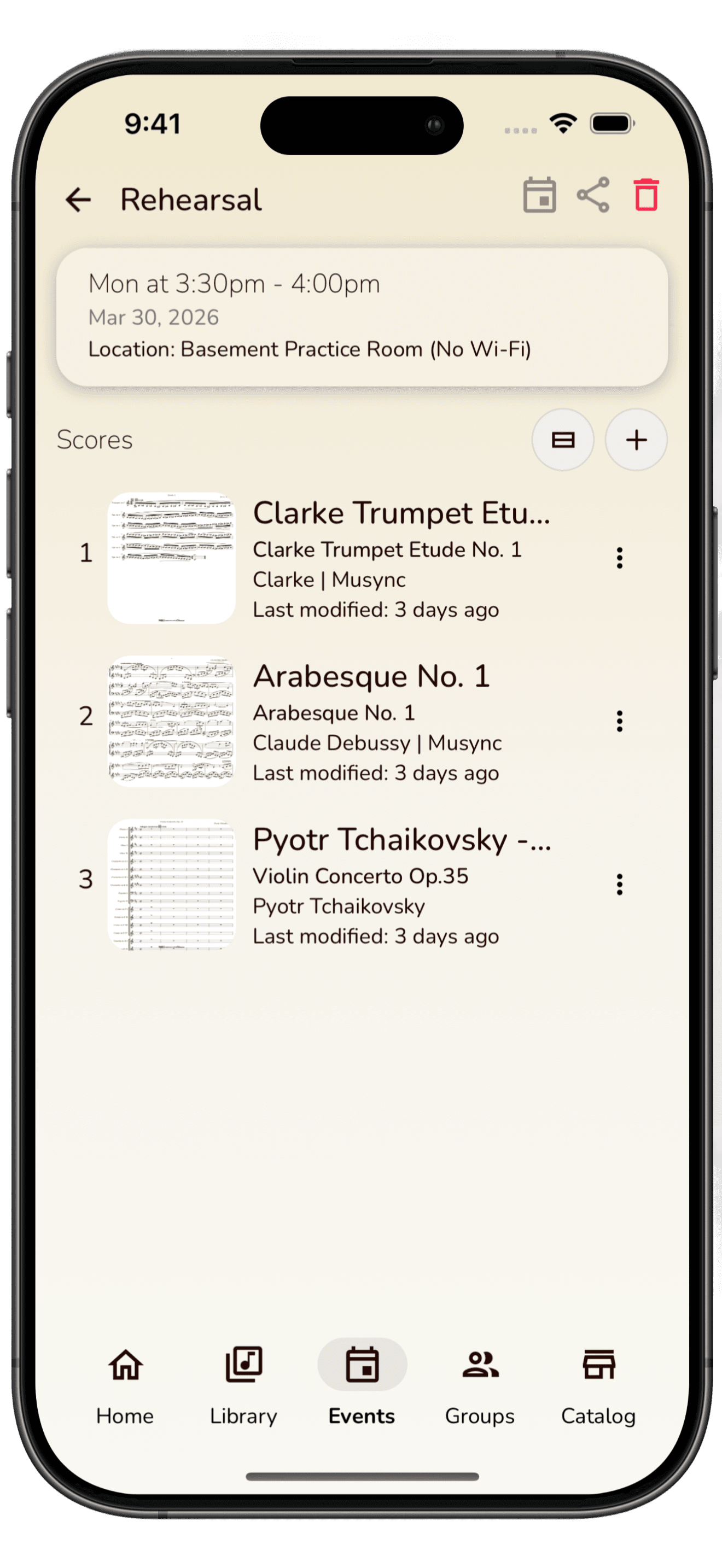
With very few exceptions, all of the features can be used even when the user is not connected to the internet. No fear of connection related interruption during practice or performance.
Any updates made in disconnected mode are automatically synchronized with other devices and other members of the group when connection is re-established.
Get Started For Free
Download Musync on your device. The Basic tier is free - no credit card or commitment required.